
Text to image models no longer compete on one vague idea of quality. In 2026, the useful differences are control, output size, editing behavior, and how quickly a team can move from a prompt to an asset worth shipping. This roundup keeps the same four Wiro picks, but adds the technical context that matters when a developer, prompt engineer, or creative infrastructure team needs repeatable results rather than a nice demo.
How to choose text to image models
A model choice starts with the deliverable. A concept image, a product hero, a social crop, and a poster with small type all fail in different ways. Resolution matters because a 2K source leaves more room for crops and downstream resizing. Aspect-ratio control matters because padding a square image into a banner wastes pixels and can break composition. Reference support matters when a brand needs a known object, color palette, or product shape to survive across variants.
Infrastructure teams should also treat image generation as a production step, not a one-off chat interaction. Record the model version, prompt, seed where available, ratio, resolution, and source references alongside each output. That small audit trail makes regressions visible after a provider update. It also lets a service route jobs: quick internal mockups to a fast model, final layout work to a control-focused model, and high-detail hero art to a higher-resolution model.
| Model | Output controls | Best starting job | Practical constraint |
|---|---|---|---|
| Grok Imagine Image V2 | 1K or 2K, 1 to 10 images, 13 ratios, one edit input | Creative scenes and flexible visual exploration | Use a narrower brief when a rigid grid matters |
| Seedream V5 Pro Uncensored | 1K or 2K, PNG or JPEG, 8 ratios, up to 10 references | Structured campaign and product visuals | One finished image per request |
| P Image Ideogram Custom | Exact width and height up to 2560 pixels | Posters and type-led layouts | Short prompts work better than overloaded art direction |
| Nano Banana 2 Lite | 1K, 11 ratios, up to 14 references | Fast drafts and reference variations | Move final large crops to a higher-resolution model |
1. Grok Imagine Image V2: the broad creative pick
Grok Imagine Image V2 is the most flexible of these text to image models when the brief starts visual rather than diagrammatic. Its Wiro integration exposes 1K and 2K output, a low or medium quality setting, 13 aspect ratios from 1:2 through 21:9, and batches of 1 to 10 images. That range makes it useful for a creative search pass: generate several compositional directions, select one, then refine the prompt or edit a source.
xAI says its newer Imagine Image 2.0 quality mode adds region-level editing, segmentation, background removal, multi-reference editing with up to five inputs, and smart resize. Those capabilities explain why this family works well when a team needs to revise an existing visual instead of restarting from a blank canvas. The Wiro model takes one source image for an edit, so keep the source clean and use a prompt that names the exact subject, region, and intended change.

2. Seedream V5 Pro Uncensored: designed outputs first
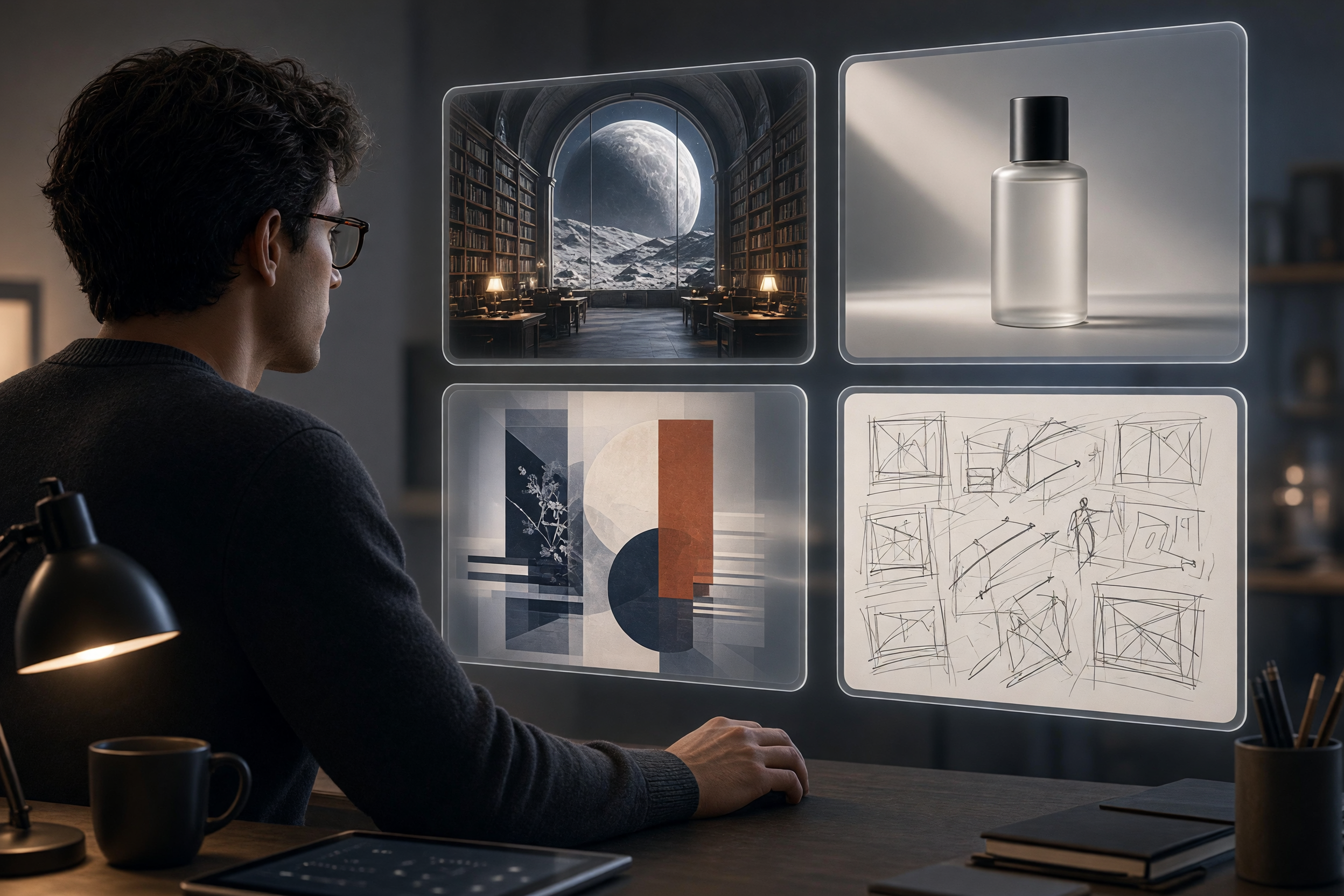
Seedream V5 Pro Uncensored is the safer first choice when the image must behave like a designed deliverable. It generates one image at 1K or 2K, accepts PNG or JPEG output, supports eight aspect ratios, and can take up to 10 reference images. That reference count is valuable for asset pipelines: a product image, logo-safe palette, material reference, and composition cue can travel with the request instead of getting described repeatedly in prose.
ByteDance describes Seedream 5.0 as a unified multimodal image model with deep-thinking and online-search capabilities, plus control over styles and layouts. The Wiro variant is positioned around typography, UI, posters, and product visuals. That does not make it a replacement for a design system. It does make it a strong visual prototyping tool when a team needs a coherent comp before rebuilding the selected direction with approved fonts and components.
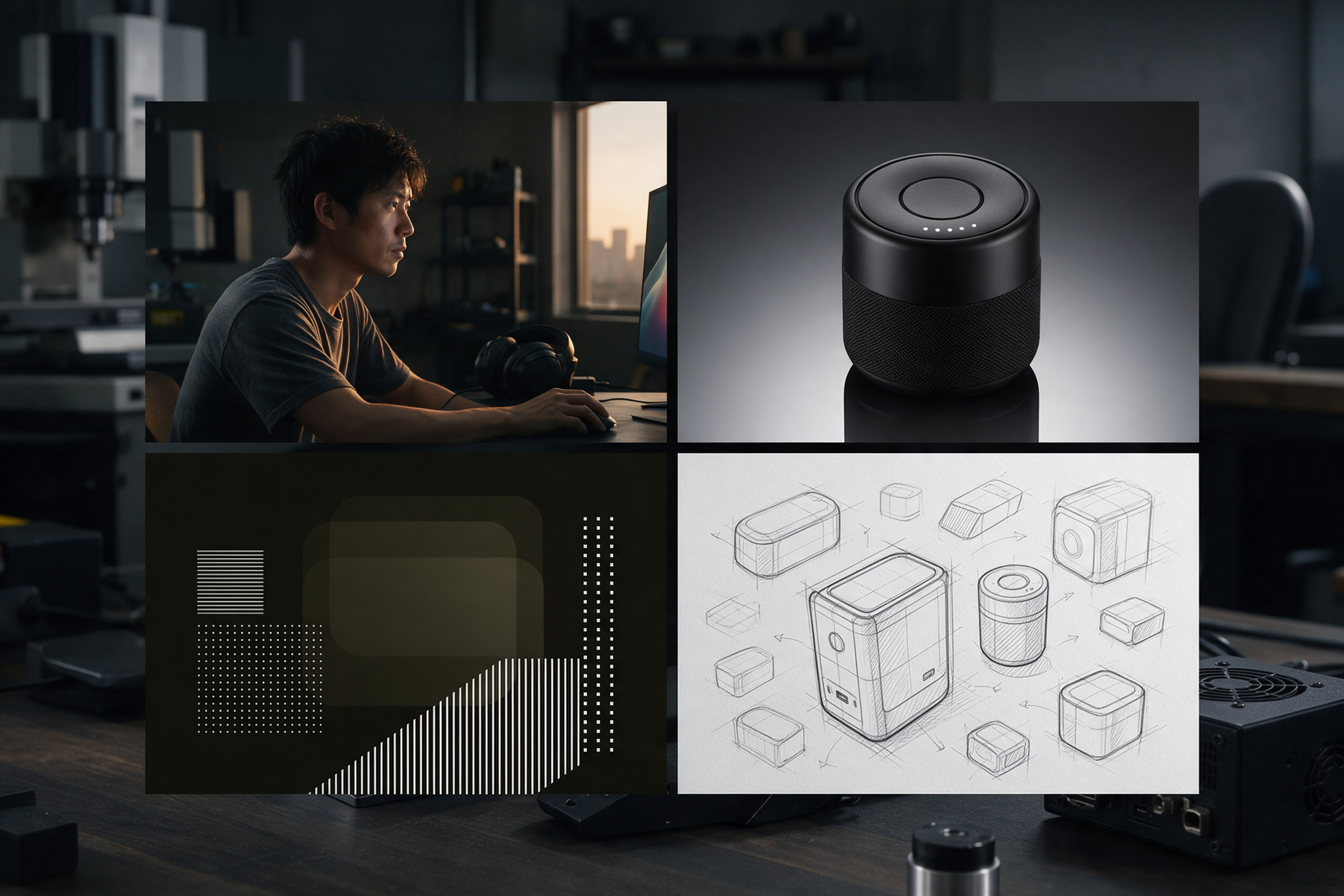
For developers, the useful split is simple. Send exploratory prompts to a batch-capable model when variation is the goal. Send a selected art direction and references to Seedream when layout discipline is the goal. Store reference URLs and output settings with the job so the request can be replayed.
3. P Image Ideogram Custom: exact dimensions and type-led work
P Image Ideogram Custom is a specialist for designs where words and placement carry the message. Instead of choosing from fixed ratios, the Wiro interface exposes separate width and height values up to 2560 pixels. It also offers JPEG, PNG, or WebP output and a thinking control from very low to high. Exact dimensions help teams generate close to an ad slot, poster frame, or social template without creating an avoidable crop step.
Use a short prompt with a clear hierarchy: subject, placement, type treatment, then background. It is tempting to ask for six panels, a full chart, tiny legal text, and a photorealistic scene in one request. That is the wrong test. Generate the large visual structure and readable headline, then add regulated copy, brand fonts, and data labels in a deterministic design tool. The model earns its place by getting the hard visual layout closer on the first pass.
4. Nano Banana 2 Lite: a fast draft engine
Nano Banana 2 Lite makes sense at the start of a visual loop. It produces 1K images, supports 11 aspect ratios, and accepts up to 14 reference images. The model is built for rapid iteration, so it fits thumbnail experiments, alternative compositions, and reference-based variations that help a team agree on direction before spending more compute on final work.
The 1K ceiling is a workflow signal, not a flaw. Use it to answer cheap questions early: Does the product angle work? Is the palette readable? Does the subject need more negative space? Once the answer is clear, route the winning direction to Grok or Seedream at 2K, or to P Image Ideogram Custom at the target dimensions. This handoff cuts rework because final-generation prompts start from a tested decision.
A practical workflow for developers and infrastructure teams
Start with a prompt contract. Define the output ratio, resolution, count, references, and whether the request permits typography. Put those fields in the job payload rather than hiding them in a free-form sentence. Next, create a two-stage queue: draft jobs return quickly for human selection; final jobs run only after selection. Keep the selected prompt, model slug, parameters, and source assets with the output record.
Add simple acceptance checks before an image reaches a CMS or campaign. Check dimensions, file type, aspect ratio, required objects, forbidden logo changes, and visible text when text is expected. A vision review can flag obvious failures, but it should not approve legal claims or brand copy alone. Finally, keep an escape hatch. If a provider changes behavior, a routing layer can shift one job class to a second model without forcing every application team to rewrite its integration.
The best text to image models here are not four interchangeable leaderboard entries. Grok fits broad creative exploration and controlled revisions. Seedream fits layout-aware assets with several references. P Image Ideogram Custom fits type-led work at exact sizes. Nano Banana 2 Lite fits the fast first pass. Pick the job shape first, then pick the model.
Want to test the shortlist with an actual brief? Run these models on Wiro and keep the prompt settings with every output.
Further reading: xAI Imagine Image 2.0 announcement and ByteDance Seedream 5.0 documentation.




1 Comment