

AI background removal only looks simple when the subject has a clean outline. The hard cases are hair, fur, translucent plastic, wire-frame glasses, motion blur, and fabrics that share colors with the scene behind them. RMBG-2.0 on Wiro produces an 8-bit alpha matte rather than a hard cutout. That gives each output pixel 256 possible opacity values, from 0 to 255, instead of a binary keep-or-delete decision. For developers and infrastructure teams, that difference affects downstream compositing, file handling, QA, and how many images still need a human pass.
AI background removal and alpha mattes
A binary mask has two states: foreground or background. It works for a product shot with a crisp silhouette, but it cannot describe a strand of hair that covers only part of a pixel. An alpha matte stores opacity per pixel. In the usual compositing equation, the observed pixel C equals alpha times foreground F plus one minus alpha times background B. Pixels at a clean edge can sit near 0 or 1. Pixels in a soft boundary fall between them.
That extra information prevents the cardboard-cutout look after the subject lands on a new color or photo. It also explains why a matte should not be judged only on a white checkerboard. A pale halo can disappear on white, then show up instantly on a charcoal product card. OpenCV describes alpha matting as extracting foreground with soft boundaries, while Adobe recommends non-destructive masks and edge refinement when a background needs to become transparent. Those are different tools, but the operating lesson matches: keep the edge information until the final composite.

Why soft boundaries are the real test
Background removal starts as segmentation: locate the subject. Matting takes the tougher final step: estimate the mixed pixels along its boundary. BRIA says RMBG-2.0 uses the BiRefNet architecture, which combines broad scene localization with local gradient detail during restoration. That split is practical. A global view helps avoid selecting a similarly colored object in the background; local gradients help retain thin detail near the subject.
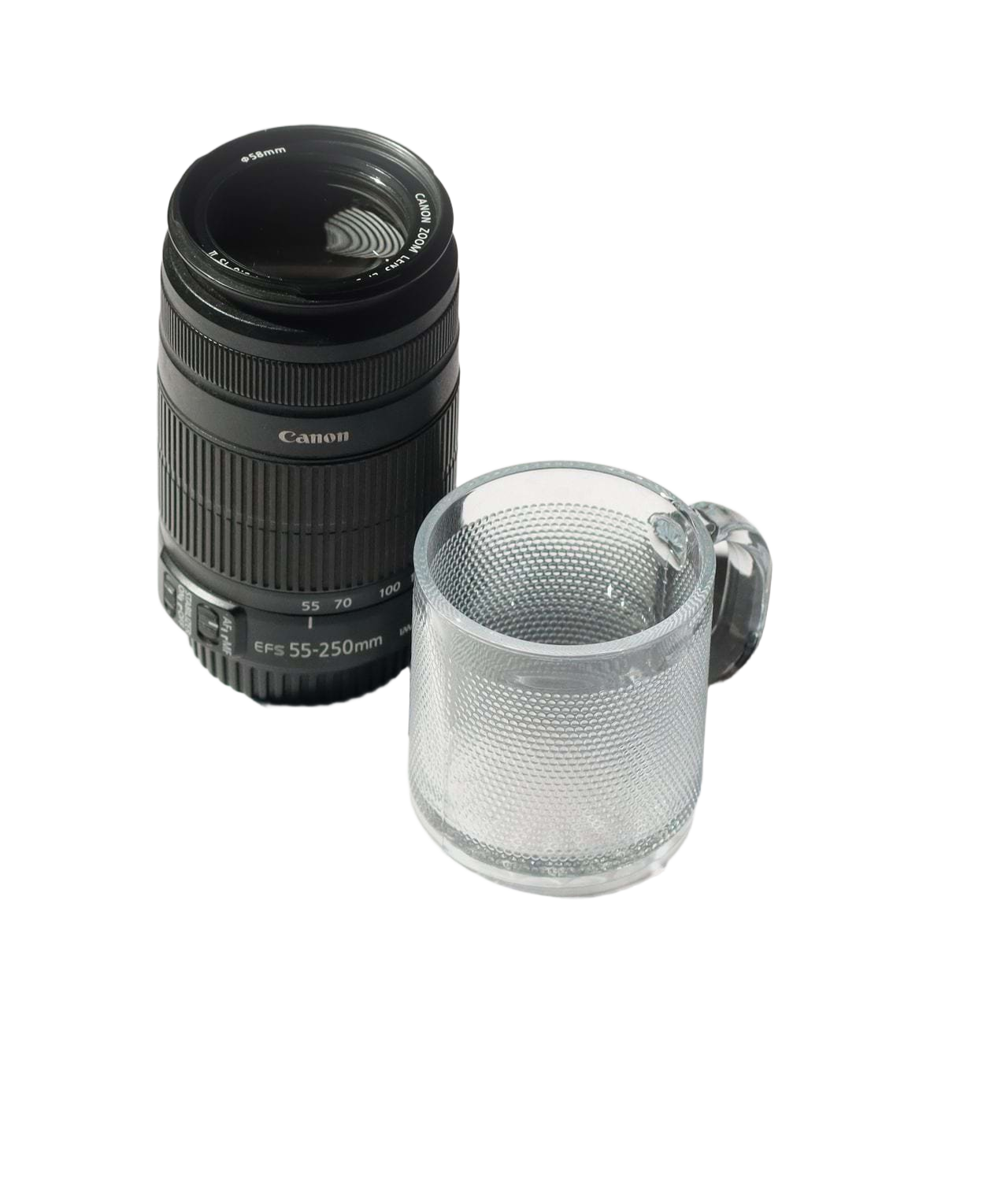
Fine edges are not the only risk. Reflections and transparent objects can contain both subject and background. A glass bottle may need a faint alpha value over much of its surface, not merely around its outline. Motion blur behaves similarly. A model that turns every uncertain region fully opaque can preserve too much background. One that turns it fully transparent can eat into the subject.
Source quality still sets the ceiling. Heavy JPEG compression creates block noise around boundaries. Backlighting can merge hair with a bright wall. A low-resolution source gives the model fewer pixels to distinguish a cable from the desk beneath it. BRIA reports training RMBG-2.0 on more than 15,000 high-resolution images across objects, people, animals, and text. That breadth helps, but it does not turn an ambiguous 400-pixel source into a clean 4K asset.
What this changes in a production pipeline
For a developer, the output is not just an image preview. It is an asset with transparency that must survive storage, resizing, moderation, review, and delivery. PNG retains an alpha channel; JPEG does not. If a service removes a background correctly and a later optimization step converts the asset to JPEG, the transparent area will be flattened. Decide early whether the pipeline delivers a composited image or a reusable foreground asset.
Use a two-stage path for high-volume work. First, send source images through AI background removal and save the transparent PNG. Second, generate each channel-specific composite from that master. A marketplace thumbnail can have a white fill, a campaign creative can use a colored gradient, and an internal catalog can retain the original alpha. This avoids rerunning removal whenever a design team changes the destination background.
Infrastructure teams should also separate inference success from asset success. A completed request says the model produced a file. It does not prove the file has an alpha channel, that its dimensions meet the target, or that its edge passes review. Record the source ID, model version, output format, dimensions, processing timestamp, and review result beside the asset. That makes failures traceable when a catalog feed suddenly contains opaque images or clipped subjects.
| Stage | What to retain | Why it matters |
|---|---|---|
| Ingest | Original file and dimensions | Lets the team rerun removal after model or policy changes. |
| Inference | Transparent PNG and run metadata | Preserves the alpha matte for later composites. |
| QA | Light and dark preview renders | Exposes halos that a single checkerboard hides. |
| Delivery | Channel-specific derivative | Keeps the master independent from a single campaign format. |
Four checks that catch most expensive mistakes
- Composite against black and white. Review the same transparent output on both backgrounds. Bright and dark fringes become obvious.
- Zoom before downscaling. Inspect at 100% around hair, fingers, handles, seams, and transparent material. A 200-pixel thumbnail can hide a poor boundary.
- Check alpha, not only RGB. Confirm the delivered format still contains transparency. A visually similar flat image can fail as soon as a designer reuses it.
- Route ambiguity to review. Flag sources with low contrast, compression artifacts, overlapping subjects, or strong reflections. A small review queue is cheaper than manually masking every image.
Where RMBG-2.0 fits
RMBG-2.0 on Wiro targets production cutouts with an 8-bit alpha matte and supports batches of up to 30 input images. Its model card lists roughly 0.2 billion parameters and identifies image segmentation as the task. That makes it a sensible preprocessing component for commerce catalogs, creative-asset libraries, and vision-data cleanup, where a reusable foreground matters more than a one-off screenshot.
AI background removal will not eliminate visual QA. It can remove repetitive selection work and reserve people for difficult edges, policy-sensitive imagery, and brand-critical composites. The best result comes from treating the matte as data: preserve it, test it against real backgrounds, and only flatten it when the delivery format requires it. Run RMBG-2.0 on Wiro to test the same source across the edge cases that matter to the pipeline.
Sources: BRIA on RMBG-2.0 and BiRefNet; RMBG-2.0 model card; Adobe on transparent backgrounds and masking.