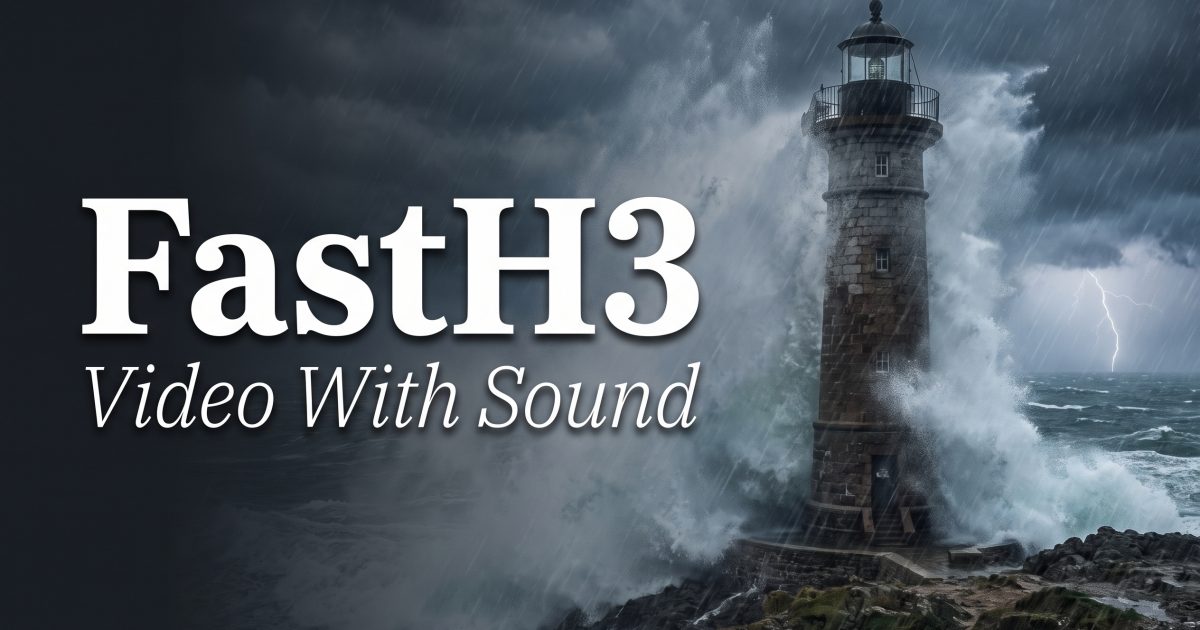
FastH3 text to video generation pairs a short MP4 with synchronized stereo audio from one prompt. That changes the job for developers. A useful clip needs motion, sound cues, and timing to agree, not just a good-looking opening frame.
This FastH3 review keeps the five 480P, five-second tests below, then adds the technical context that matters when a team is choosing where to run short audiovisual generation. The model is a four-forward distilled version of MiniMax H3. FastVideo describes its recommended Preview v1 checkpoint as a text-to-audio-video model trained with data-free DMD2 and VSA-H3 at 90% sparsity.
What FastH3 text to video is built to do
FastH3 on Wiro takes one written prompt and returns a landscape MP4 with H.264 video and AAC audio. The interface exposes 5 to 15 seconds, 480P or 768P, and several aspect ratios. Its native timing is more specific: clips span 5.167 to 14.375 seconds at 24 FPS, and the 15-second setting maps to 345 frames, or about 14.375 seconds.
That frame grid matters in production. A five-second selection is not a promise of exactly 120 frames, and a 15-second storyboard beat should not assume a full 15.0 seconds. Treat the output as a generative shot, then trim or conform it in the edit. For teams building automated pipelines, record the requested duration, returned duration, seed, resolution, ratio, and prompt revision beside the asset. That makes comparisons repeatable and keeps downstream timing bugs visible.
The underlying checkpoint is not a tiny local model. The published model card lists 35B parameters in BF16 and says its tested defaults use four B200 GPUs. FastVideo’s launch post reports less than 13 seconds to generate 15 seconds of 768p video on eight B200 GPUs, plus up to 14x speedup on a single Blackwell GPU. Those are vendor-reported figures, not a general latency guarantee. Queue time, hardware partitioning, resolution, and batch policy still decide what an application sees.
Why four forwards matter to infrastructure teams
Diffusion-style video often costs many denoising steps. FastH3’s four transformer forwards are the central efficiency claim. Fewer passes can reduce accelerator time per attempt, which matters more for video than for a single image because every run creates a sequence and an audio track. The gain is practical when a service needs to test several prompt variants before selecting one shot.
There is a trade-off. The FastVideo model card says difficult motion, fine detail, and some audio can remain below the base MiniMax H3 model. The preview supports text-to-audio-video only; first/last-frame and reference-conditioned video-to-audio workflows were not distilled. That makes FastH3 a poor fit when an application requires a supplied hero frame, strict product identity, or frame-perfect continuity across shots.
Plan capacity around retries, not only a single successful generation. A sensible worker design puts the request in a queue, assigns an idempotency key, stores the seed and input payload, and writes the generated MP4 to durable object storage before notifying the caller. The audio and video arrive in one asset, so keep one source of truth rather than trying to reconcile separate soundtrack and video jobs. Transcode only when delivery requires it. A 24 FPS source also gives editorial tooling a clear cadence for cuts and frame extraction.
Test 1: Stormy lighthouse
The lighthouse scene combines a climbing action, wind, spray, camera movement, and four sound layers. FastH3 makes the emotional beat readable: raincoat, exposed steps, and rough weather land quickly. The audio gives the clip a useful second layer. Water spray and fine architecture can drift, which is expected in a short fast-generation model.
Test 2: Iced coffee macro
This is the restraint test. One small action drives the shot: cream curls through espresso while condensation moves down a glass. Macro food footage exposes fake physics quickly. The slow orbit feels composed, while ice clinks, cafe room tone, and an espresso-machine hiss create a believable sound bed. It fits product mood clips and early b-roll concepts.
Test 3: Tiny repair robot
The desk scene tests a character, a precise interaction, and a static composition. The robot has to walk, stop, and tighten a screw without turning the desk into a random animated collage. FastH3 makes the scene readable, and the servo and electrical cues support the scale. Exact mechanical interaction remains a risk, so use it for concept footage rather than a technical product demonstration.
Test 4: Violin under the train
This prompt balances a performer, commuters, an elevated train, camera panning, and a musical foreground. It checks audio-video coordination. FastH3 establishes the setting quickly, and the train rumble gives the picture a physical sense of place. Hands, instrument detail, and exact musical performance can vary. Do not use it where finger placement must match a recorded passage.
Test 5: Neon market hard mode
The final prompt asks for a paper boat, rain, a lantern, a cat jump, a puddle splash, tracking movement, and an active market. It is intentionally too dense for five seconds. The hero image and atmosphere remain strong, but tightly sequenced events compete. Use this kind of prompt to discover a look, then split the winning moment into a fresh run with one subject and one action.
Practical prompt and deployment takeaways
- Start with 5 or 6 seconds. It is cheaper to judge composition and sound direction before asking for a longer shot.
- Write visuals, camera movement, ambience, effects, and dialogue as separate constraints. Name the speaker and put spoken words in straight quotes.
- Keep one primary action per run. Add a second beat only after the first version holds together.
- Use a fixed seed for controlled prompt changes. Change the seed only when exploring alternate compositions.
- Validate the completed MP4, its duration, audio stream, codec, and aspect ratio before it enters a publishing or ad pipeline.
For implementation details, consult the FastVideo checkpoint card and the team’s FastH3 Preview v1 announcement. They document the four-forward schedule, H3’s 56 attention heads, the VSA-H3 backend requirement, and the current conditioning limits. Those limits should shape product requirements before an integration reaches users.
FastH3 verdict
| Strength | Where it shows |
|---|---|
| Native audio | Atmosphere, effects, and compact scene cues in one MP4 |
| Four-forward design | Rapid iteration on short audiovisual concepts |
| Best prompt shape | One subject, one clear action, explicit camera and sound direction |
| Weakest area | Fine interactions, strict continuity, exact lip sync, and crowded choreography |
FastH3 is not the model for flawless hands, exact dialogue, or a dozen timed beats. It is a solid option for short audiovisual sketches when generating a separate soundtrack would slow the loop. Start small, log the run details, and promote only validated clips into a production workflow. Run FastH3 yourself on Wiro to test your own prompts.