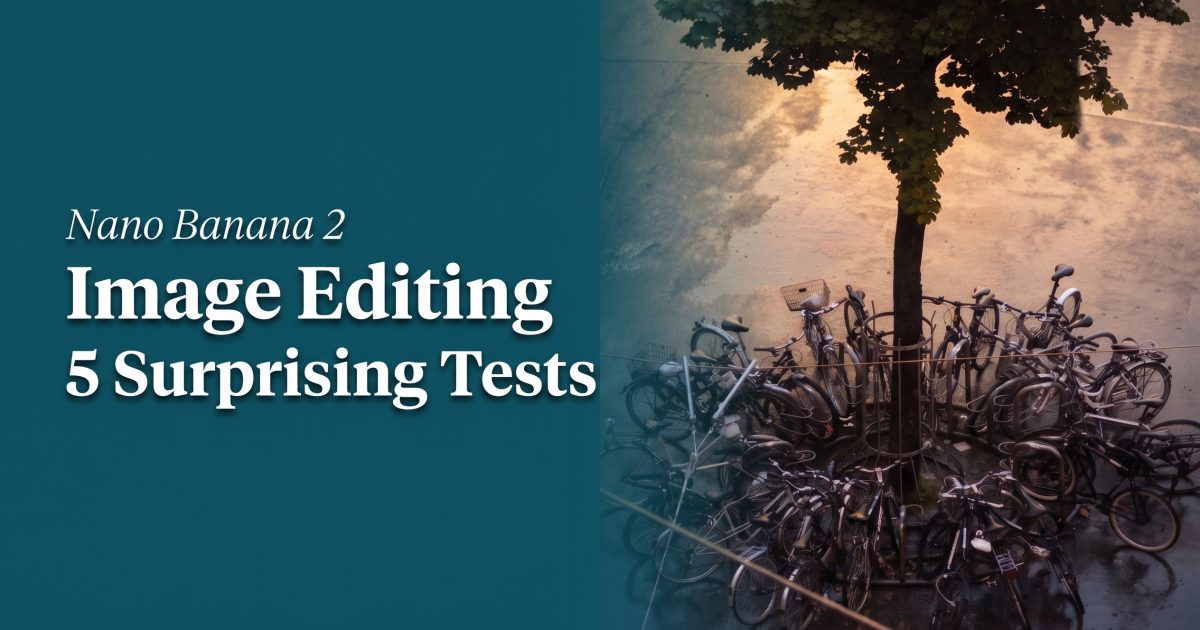
Nano Banana 2 image editing was tested with five changes on the same overhead street photo, then extended with two fresh 2K validation runs: atmosphere, season, style, object removal, and a deliberately overloaded scene edit. The model keeps the edit loop simple: add a reference image, describe the change, and inspect what survives. That sounds basic, but reference-driven editing is where production teams lose time when composition drifts.
Contents
Nano Banana 2 image editing test setup
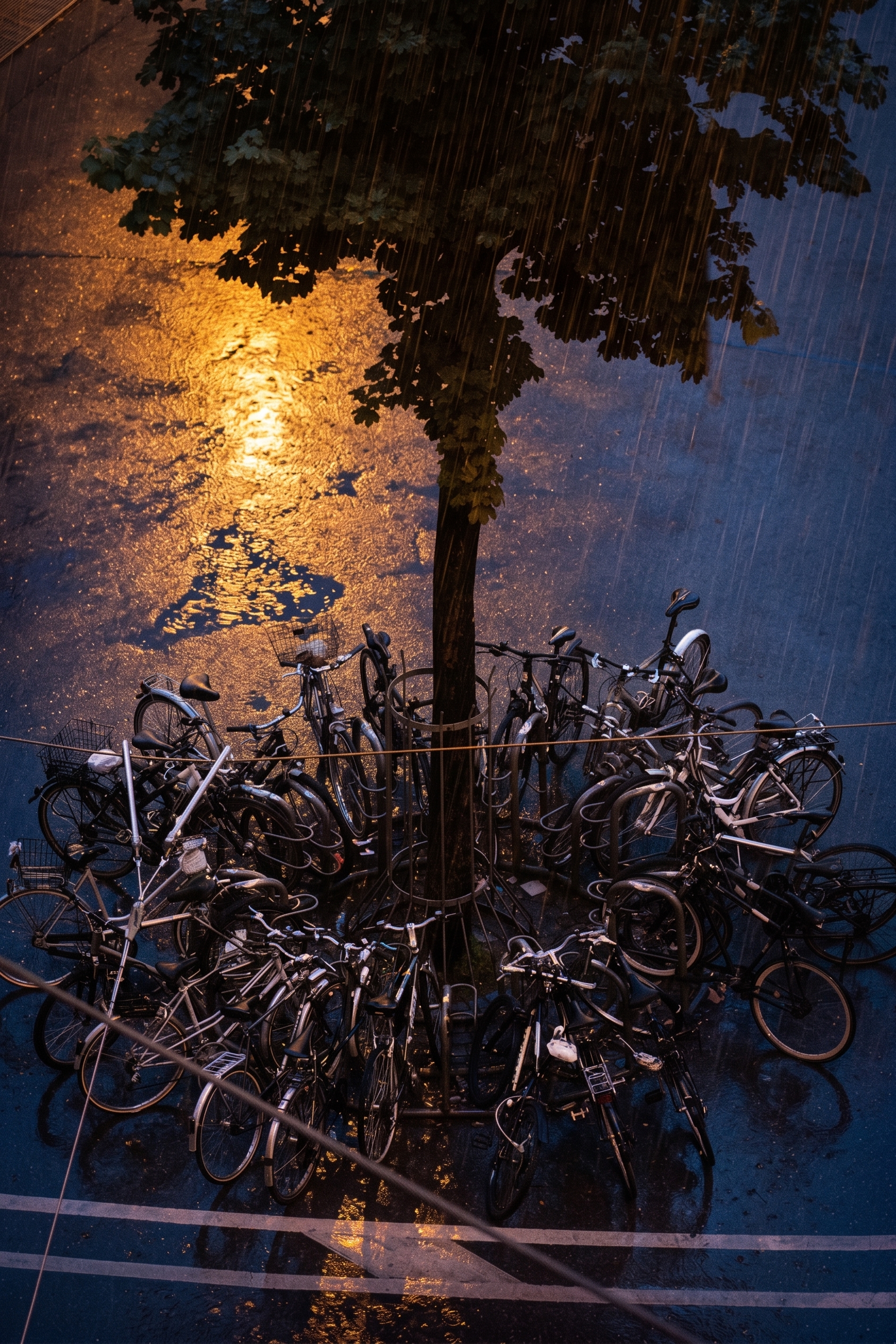
The source image is a top-down city scene with a mature tree, a circular rack of bicycles, painted road markings, and textured asphalt. It is useful because an edit must preserve a specific composition. Each original run used the same reference at 2K. Only the requested transformation changed.
Nano Banana 2 on Wiro accepts reference images and can mix multiple inputs. This test uses one reference so drift is easy to spot. The scorecard is simple: preserve geometry, make the requested change obvious, and avoid stray objects or broken shadows. Google describes the underlying Gemini 3.1 Flash Image model as balancing price and performance for image understanding and generation; its own prompting guide also stresses clear instructions and reference-led edits.
Two constraints make this more demanding than a casual filter. The bicycle ring repeats thin spokes, frames, and shadows dozens of times. The road markings create hard perspective anchors. A model can produce an attractive frame while still moving a wheel, bending a line, or inventing a shadow that breaks a downstream crop. Those failures matter when the image feeds a product page, ad template, or automated review queue.
Five real edit tests
1. Weather swap: noon to wet midnight
The first prompt asked for rain, wet asphalt, amber reflections, and rain streaks while keeping the bicycle circle and tree placement. Reflective ground changes perspective and lighting at once. The result delivers a convincing nighttime mood. The street geometry stays readable, though fine bike details soften.
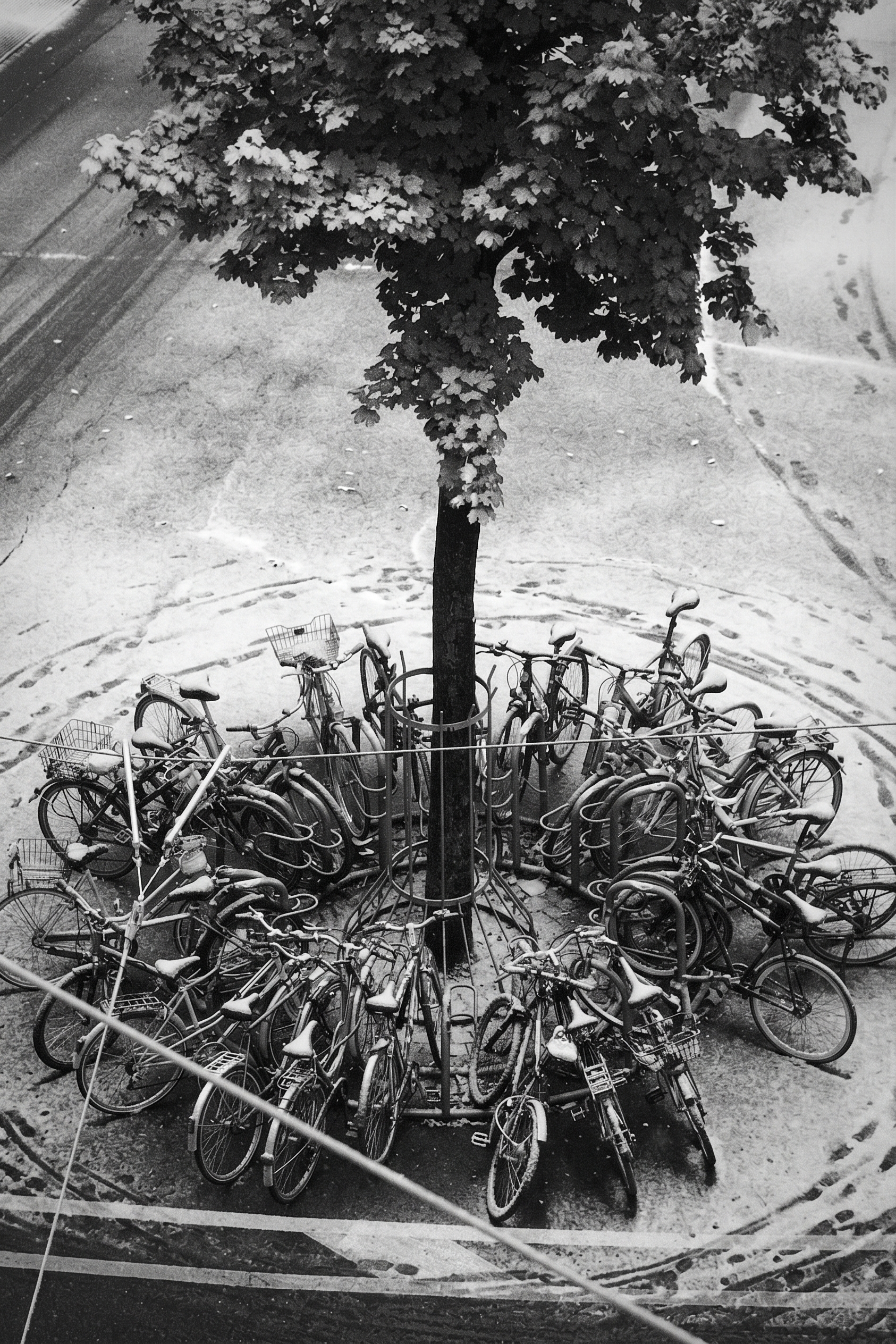
2. Seasonal edit: light snow
Next came early winter. The request specified snow on seats, branches, and pavement, but also asked to preserve street markings. Nano Banana 2 handles the broad seasonal change well. Snow gathers in plausible places and the road remains legible. A short preservation clause helps: name the features that cannot move.
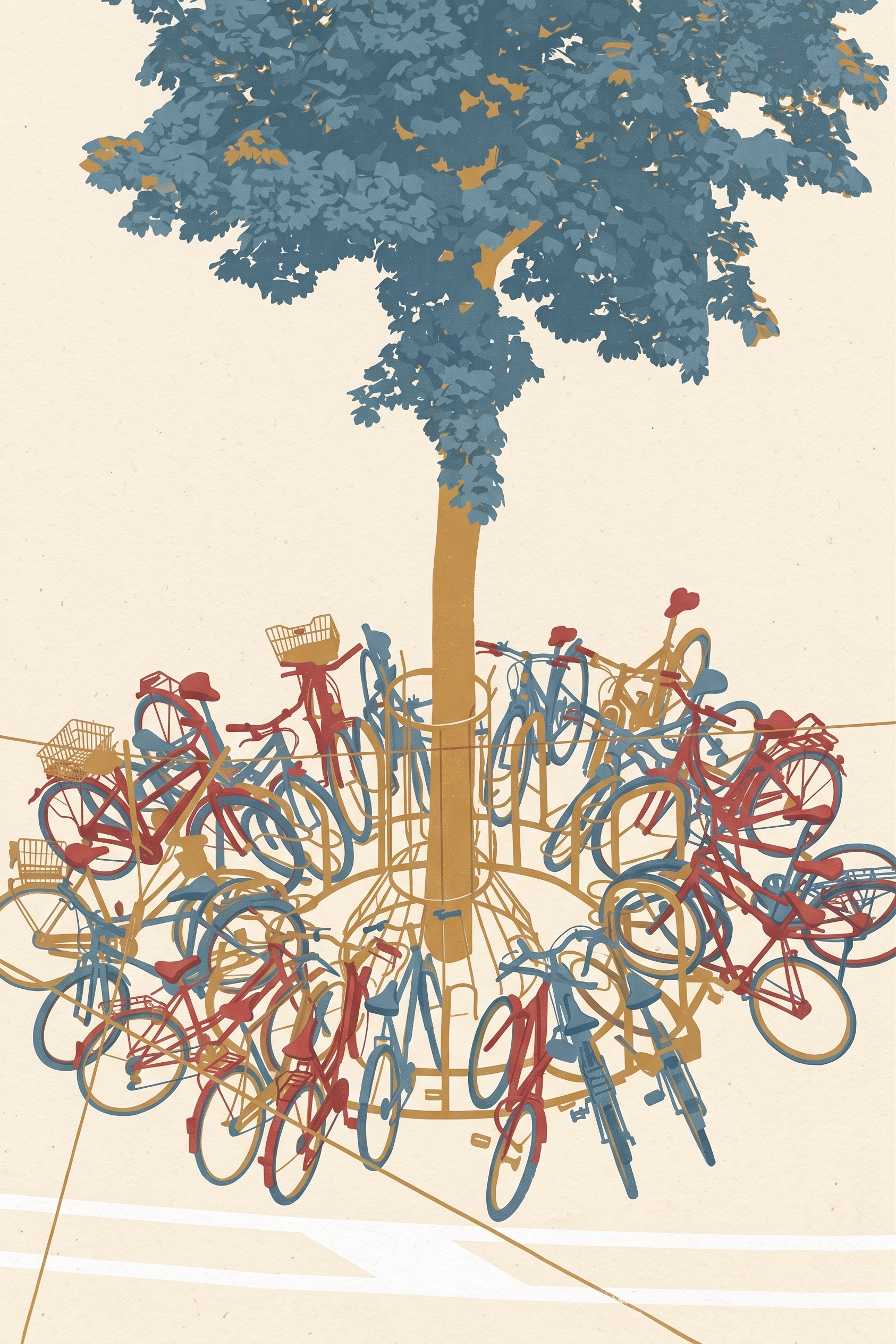
3. Style transfer: editorial screenprint
This prompt swapped photographic detail for flat ink shapes, cream paper, and screenprint grain. The model follows the art direction without losing the overhead composition. That matters for campaign work, where an image needs a new visual language but must still match a layout. Small structural details simplify, as expected. The result reads as an illustration, not a filtered photo.
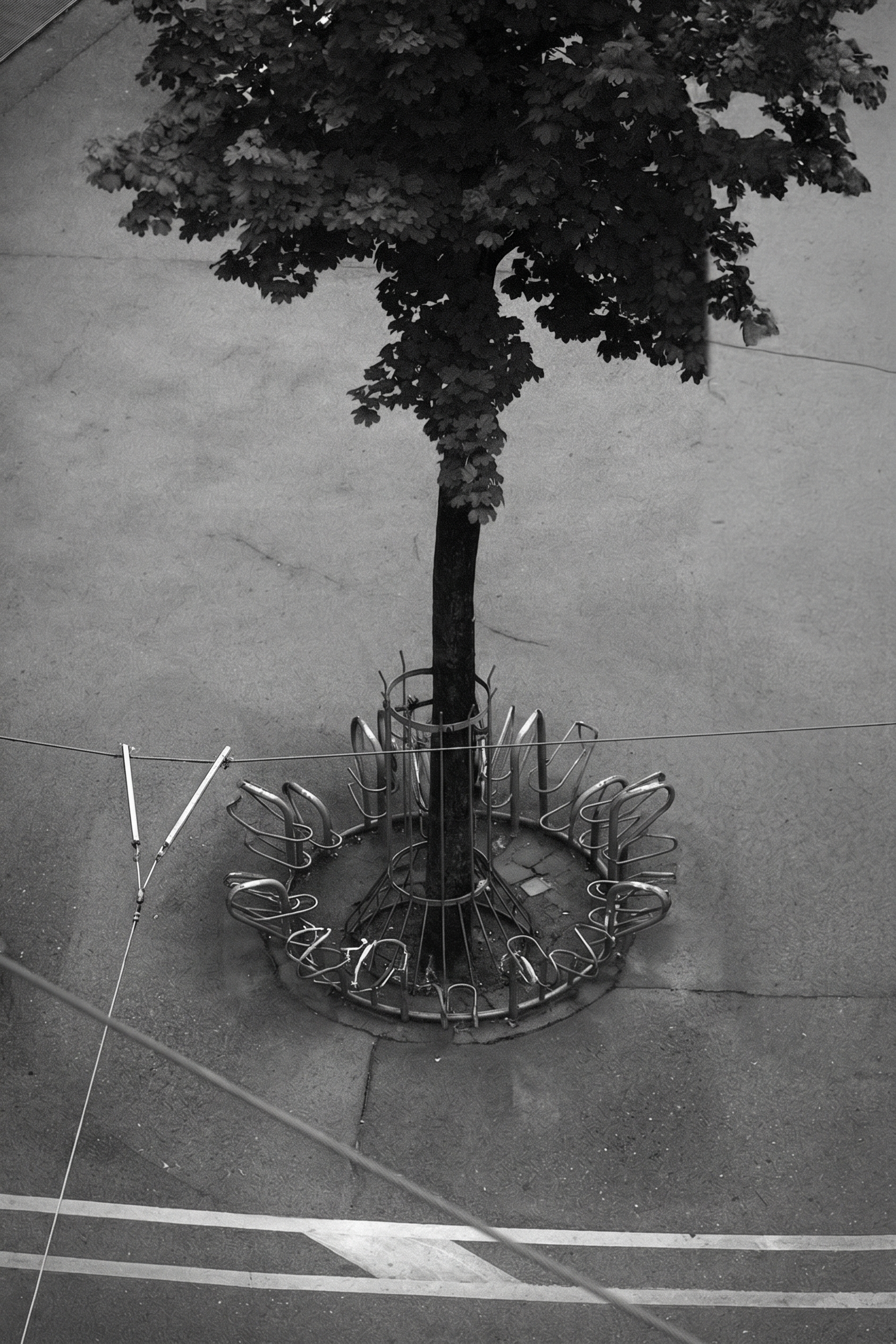
4. Object removal: erase every bicycle
Removal is less flashy and often more useful. The prompt deleted every bike and asked the model to rebuild asphalt, markings, shadows, and surface noise. It clears the main objects, but close inspection is still required around repeated lines and shadows. For commercial cleanup, run two or three variants before committing.
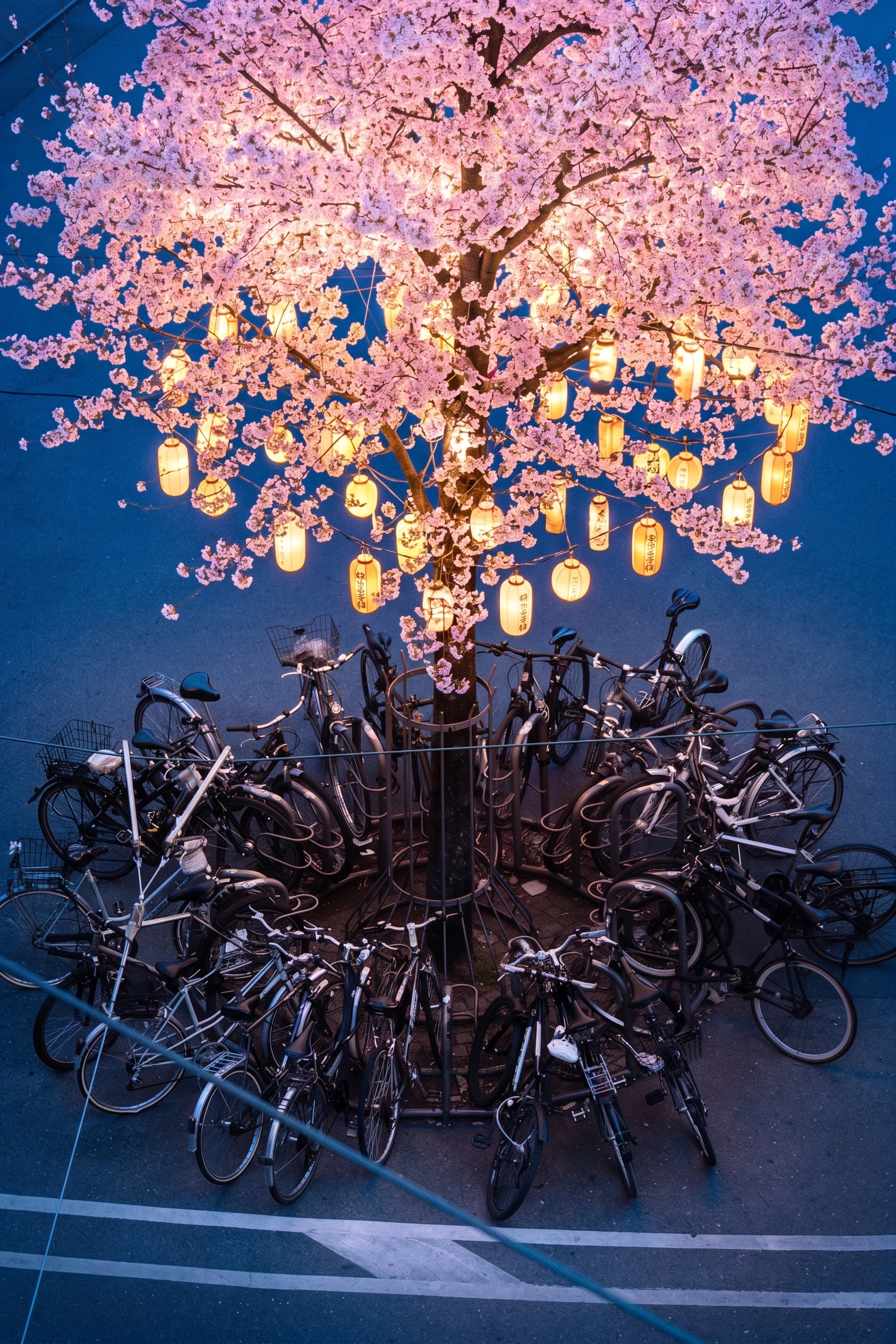
5. Hard test: cherry blossoms and lanterns
The final run piles on constraints. The tree changes into a luminous blossom canopy at blue hour, paper lanterns appear, every bike remains in place, and the markings stay put. Nano Banana 2 produces a strong concept image, but this is where fidelity trades against imagination. The broad scene holds together. Tiny bicycle geometry and boundary details need a manual check.
Fresh Nano Banana 2 image editing validation
Two additional 2K runs checked the failure modes that often cost teams the most review time. The first asked for removal of the entire bicycle ring while explicitly retaining asphalt grain, painted lines, shadows, and perspective. The second requested an early-morning lighting pass while locking camera angle, tree placement, bicycle count, road markings, and bicycle geometry. Both prompts put the keep list before the visual change.
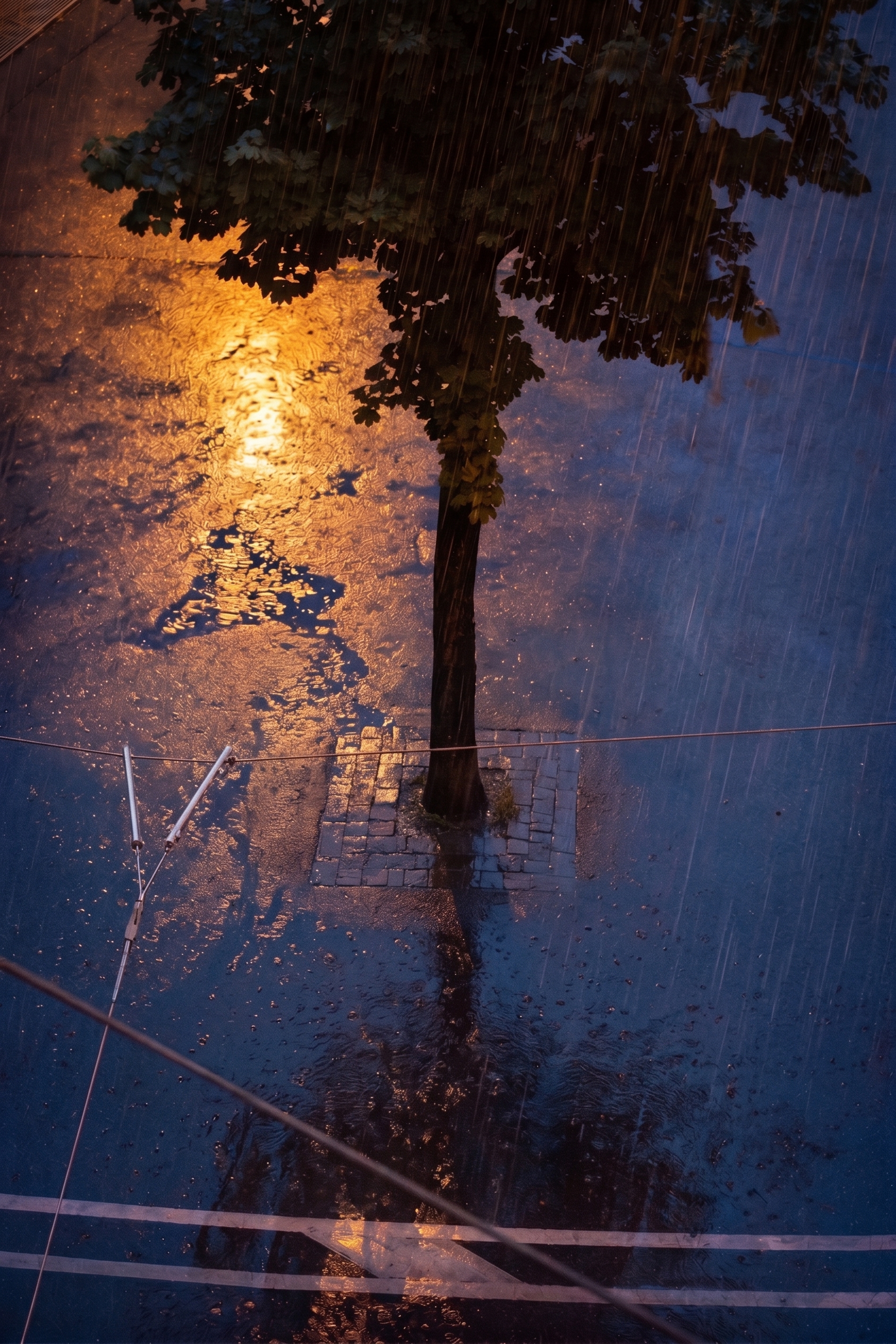
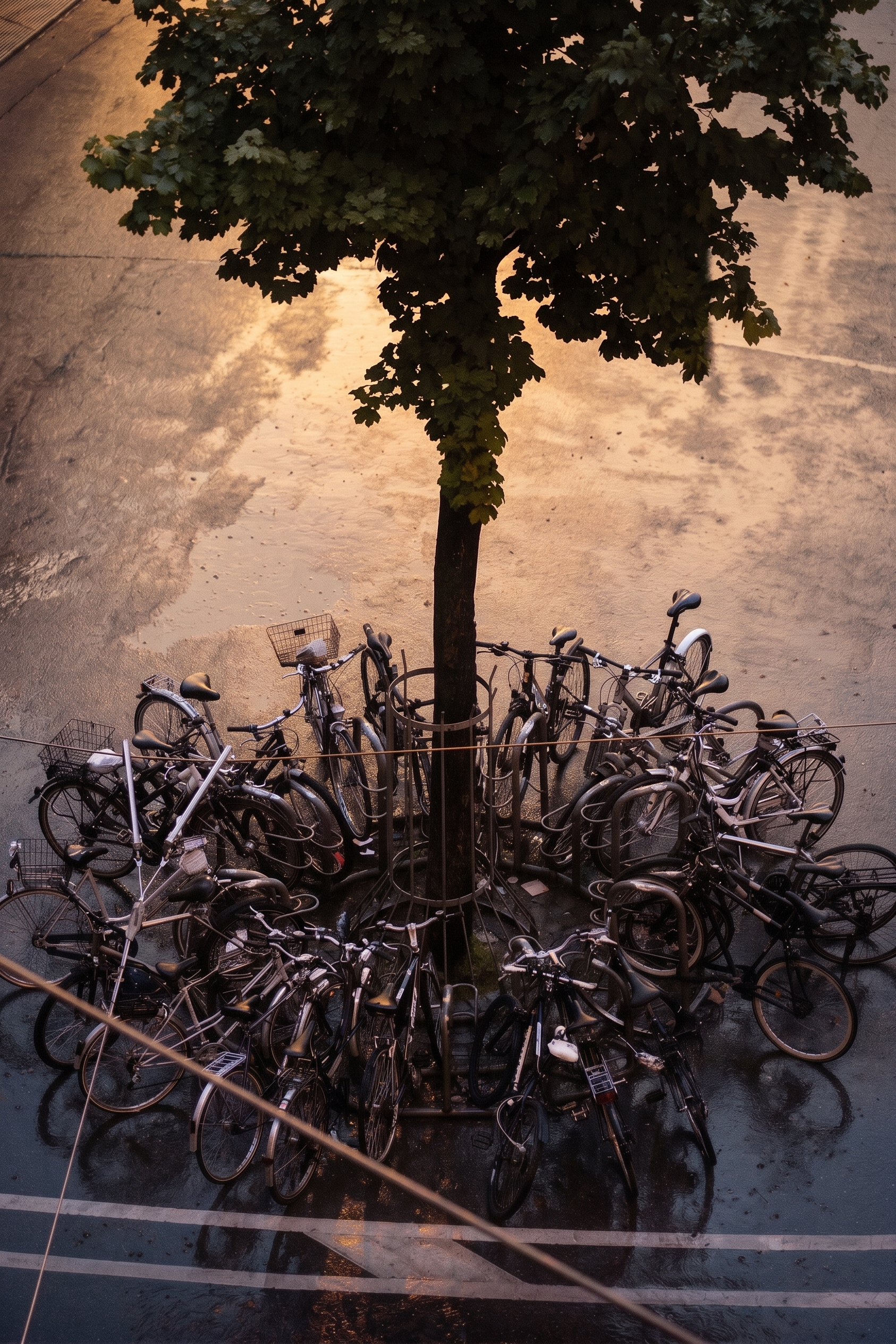
The useful operational lesson is not that either run is pixel-perfect. It is that a prompt can turn a vague creative request into a reviewable contract. A reviewer can compare five explicit anchors instead of judging the whole frame by feel. Google documents image generation and editing as a multimodal workflow in its Gemini image-generation guide; for a production pipeline, that makes the input image and anchor list part of the test record.
What held up and what did not
| Test | Best result | Watch for |
|---|---|---|
| Weather | Mood and reflections | Small-object sharpness |
| Season | Surface coverage | Fine edges |
| Style | Recognizable composition | Loss of detail |
| Removal | Large object cleanup | Repeated texture and shadows |
| Hard edit | Big visual concept | Constraint collisions |
| 2K validation | Explicit anchor retention | Local geometry at high zoom |
Nano Banana 2 image editing works best when the requested change has a clear visual center. Weather swaps, season changes, and illustration passes are reliable first choices. Object removal works, but complex backgrounds need review. The hard edit shows why: the model can respect a scene at a glance while drifting in tiny repeated details.
Why this matters for developers and infrastructure teams
Image editing belongs in an engineering workflow once the output passes through more than one system. Store the original input, prompt, model name, requested resolution, output ID, and reviewer decision together. That gives a team a reproducible case when a campaign asset fails visual QA. It also separates model variance from a bad prompt or a broken upload transform.
Use a two-stage gate. Stage one checks semantic success: did the rain, removal, or lighting change happen? Stage two checks invariants at 100% zoom: count repeated objects, inspect straight lines, compare masks, and confirm that protected regions remain in place. A simple 2K image has roughly four times the pixel area of a 1K image, so raising resolution makes local defects easier to find and increases the amount of visual data a reviewer must inspect.
For automated jobs, keep prompts small and structured. Put immutable anchors first, state one primary edit, then list reconstruction requirements. Avoid combining removal, restyling, relighting, and object insertion in one request unless the job accepts drift. Run a small fixed test set after model changes. Five scenes with repeated structures, text-free geometry, people, product edges, and complex shadows expose more than a single hero image.
Prompt tips
- State what must stay fixed before describing the new look.
- Name two or three visible anchors, such as a tree or camera angle.
- Request one main change per run when exact fidelity matters.
- For removal, list the textures and lines that need reconstruction.
- Record resolution and review outputs at 100% before publishing.
For a faster image-generation prompt workflow, see 8 Nano Banana 2 Lite Prompts for Better Images. Run Nano Banana 2 yourself on Wiro and use a real reference image to see where its edit boundaries land.