
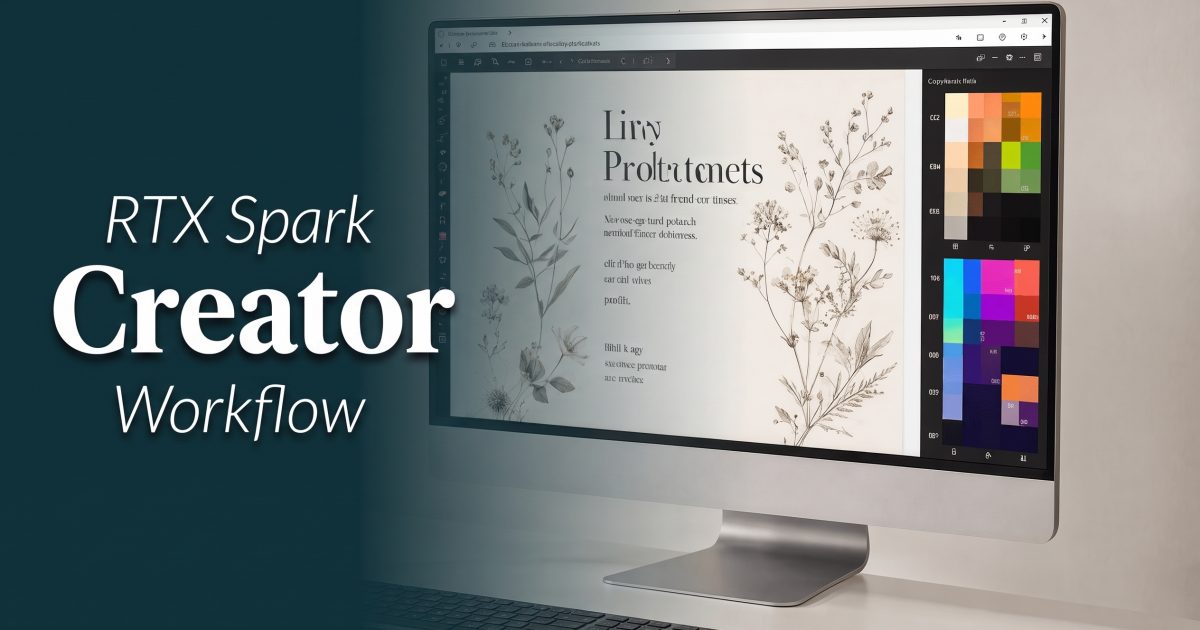
RTX Spark creator workflow is a better question than RTX Spark benchmark charts. A compact, large-memory AI PC matters to creators only if it changes what can stay on the desk: a model, source images, prompt iterations, and the files that cannot leave a local drive. NVIDIA positions DGX Spark as a deskside Grace Blackwell system, while Qwen Image 2.1 offers a practical open-weight image model to put beside it. The useful test is not whether a box can load a model. It is whether the local workflow produces work worth keeping.
What an RTX Spark creator workflow changes
Do not treat every RTX-branded PC as the same class of machine. NVIDIA DGX Spark combines the GB10 Grace Blackwell Superchip with 128GB of unified memory. That design can make room for model weights and creative assets in one shared pool. It does not promise that every model will feel fast, nor does it turn a desk machine into a shared production service.
For a creator, the upside is control. A local run can work with unreleased product photography, client mood boards, rough storyboards, or a folder of reference images without first copying them to an online service. The other upside is iteration. A prompt can be revised, seeded, and rerun while the project files remain nearby. Those benefits are real even when a cloud run remains the quicker option for a high-resolution deliverable.
NVIDIA describes DGX Spark as a personal AI supercomputer for developers. That label is useful, but the creator case needs a tighter definition: a local machine should be judged by the image models it can host, the output quality it delivers, and the waiting time at the resolution actually needed. Headline compute figures do not answer those questions. A long prompt, a batch of references, and a 2K export can behave very differently from a short demo prompt.
Why Qwen Image 2.1 fits the discussion
Qwen Image 2.1 is an open-weight, 7B visual-generation model that combines text-to-image generation and image editing. Its model card describes native RGBA output, support for up to 10 reference images, and 2K image generation. Those are creator-facing capabilities, not infrastructure talking points. They map to poster work, product cutouts, visual concepts, and reference-led edits.
The model card also shows a CUDA workflow with bfloat16 weights and 40 inference steps in its examples. That is a useful starting point for an RTX Spark-class setup, not a performance guarantee. Local speed depends on the runtime, selected precision, output dimensions, number of steps, active references, and other work happening on the machine. Measure the actual setup before committing a job deadline to it.
The two outputs below were made with Qwen Image 2.1 on Wiro. They are quality references, not a claim that a local RTX Spark PC will match Wiro runtime or queue time. That distinction matters. Wiro provides a clean way to test the same prompt before installing a local stack, while a local system gives control over where source material and intermediate files live.
Two image jobs worth trying locally
1. A polished concept image with layout pressure
The first prompt asks for a premium editorial workstation scene with a color-calibrated monitor and a botanical perfume poster. It tests several things at once: realistic desk materials, screen composition, a designed poster rather than an empty display, and light that holds together across metal, glass, and paper. It is the kind of broad concept image a creator might use to steer a pitch deck before moving to a final asset.
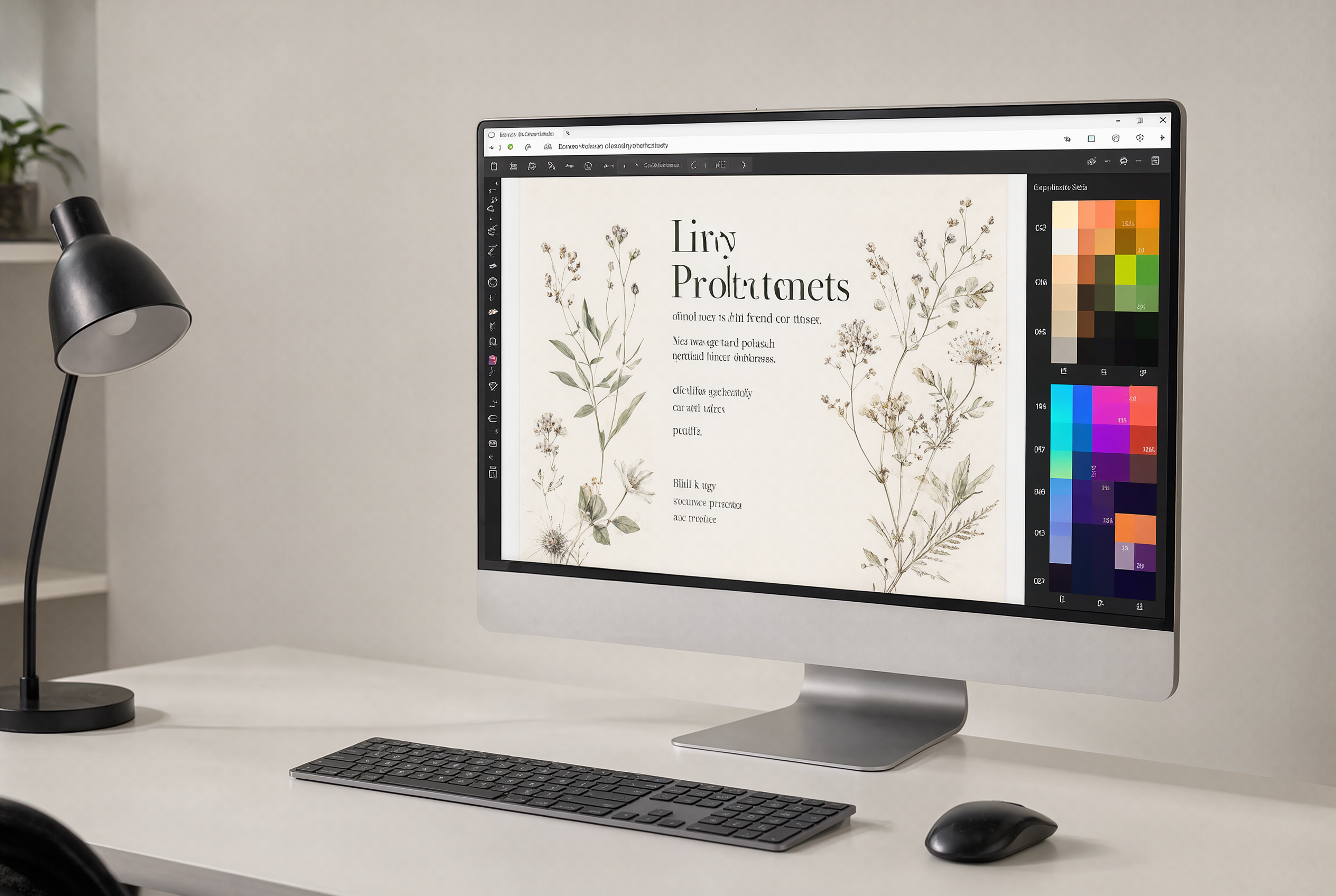
For a local trial, begin at one image and a fixed seed. Save the prompt, model revision, precision, step count, output size, and elapsed time. Then change only one variable per rerun. A model that gives a strong first image but drifts when the poster layout changes may still work for concept art. It is less convincing for repeatable campaign work.
2. A transparent asset that has to survive delivery
The second prompt asks for a miniature film camera wrapped in an orange climbing rope on a transparent background. This is a smaller scene, yet it is a harder production test. The cutout edges need to survive, the rope needs to read as a separate object, and the object must not acquire a painted rectangle behind it. The best output is not merely attractive. It should arrive as an asset that can move into a layout without cleanup.
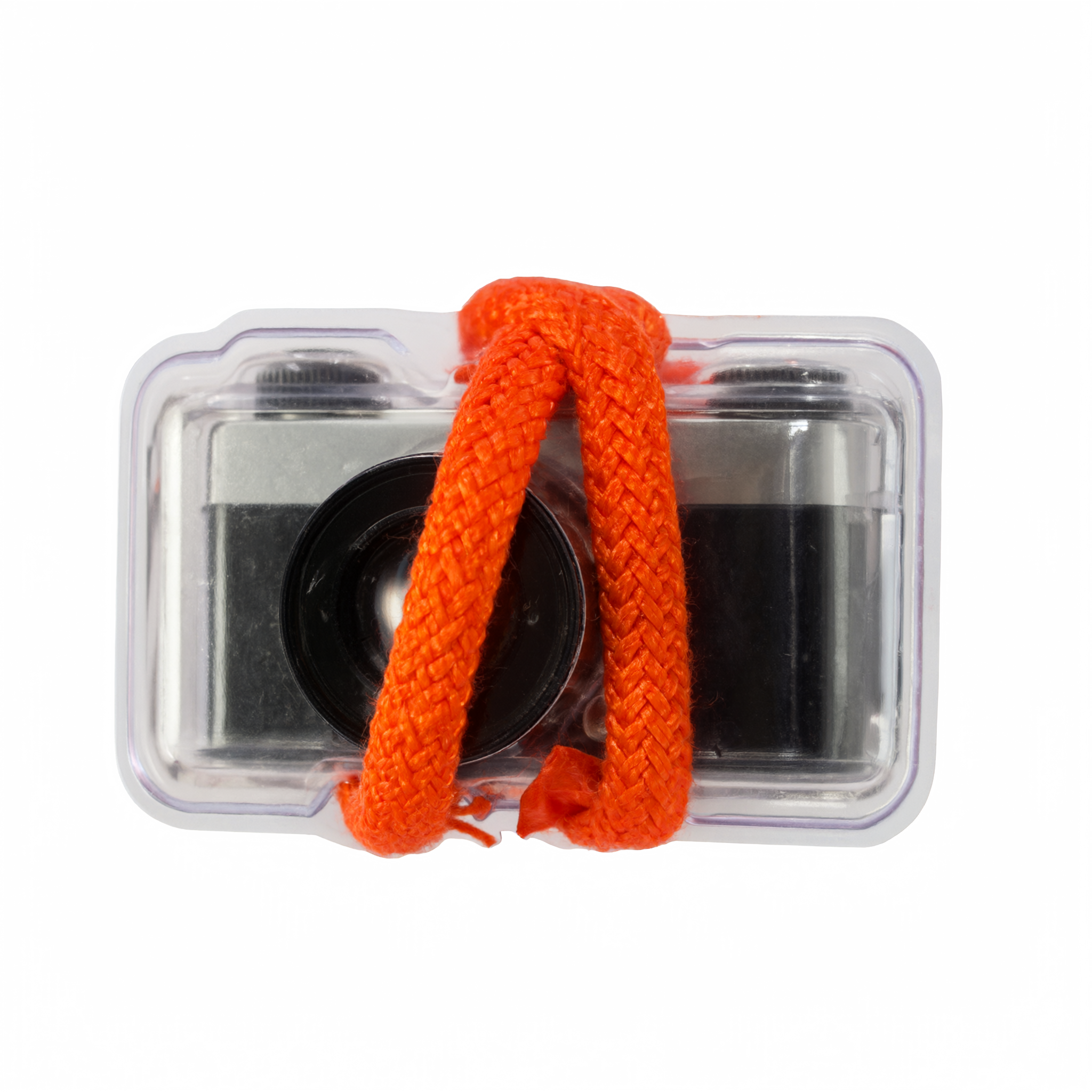
Run this test locally with the same image dimensions and inspect the alpha channel in the intended editor. Do not judge it only against a checkerboard preview. Place the result over a dark background, a light background, and a busy photograph. Fringe pixels and accidental background haze appear quickly in those conditions.
When local beats Wiro and when it does not
Local generation wins when file privacy, repeatable environment, or offline access matters more than instant availability. It also works well for exploratory sessions where many rough variations stay on the creator machine. An RTX Spark creator workflow can keep a model and a reference set ready without rebuilding the environment for every small job.
Wiro wins when a project needs access to several current models, a creator needs a result without maintaining a local runtime, or a final job needs capabilities beyond the installed model. The same prompt can act as a handoff: explore on Wiro, then run the approved prompt locally with sensitive materials, or build locally and use Wiro for a different model’s look. There is no need to pretend one path replaces the other.
| Question | Local RTX Spark-class setup | Wiro |
|---|---|---|
| Where do source files stay? | On the creator-controlled machine | Uploaded for the run |
| Model choice | Limited to installed, compatible models | Broad catalog without local setup |
| Iteration | Repeatable environment and seeds | Fast access to alternate models |
| Speed claim | Must be measured on the exact setup | Depends on the selected model and service conditions |
A practical creator checklist
Before choosing hardware, pick two real jobs like the ones above. Include a 2K concept image, a transparent asset, and one reference-led edit if that work is common. Record the prompt, output settings, memory use, elapsed time, and cleanup required. Run each more than once. A single favorable result says little about a working week.
Also separate model quality from hardware speed. Qwen Image 2.1 can be a sensible local candidate because its published features line up with common creative tasks, but it is not automatically the best model for every look. Test it next to outputs from other models before deciding which workflow earns a permanent place on the desktop.
An RTX Spark-class PC changes the creator conversation from can this run locally to which local jobs are worth owning. Start with two prompts that resemble real work, be honest about the time and finish quality, then compare the results with the same prompts on Wiro.