Vidu Q4 Preview lands with a clear pitch: give creators more control over a complete short scene, not just a pretty opening frame. The new Vidu model supports image-to-video and reference-to-video work, with up to 15 image references, up to three voice references, native audio, and clips up to 16 seconds. That combination matters most to people making ads, episodic social work, or narrative tests where the character, camera, and sound need to stay pointed in the same direction.
Vidu Q4 Preview starts with a bigger reference stack
The headline number is 15 reference images. That is more useful than it sounds. A scene often needs a person, a wardrobe, a product, a room, and a visual mood. With one reference image, those details compete for attention. A broader stack gives a creator room to separate them: one image for the character, another for the product, another for the location, then a few for the target look.
Vidu’s Q4 model page describes both image-to-video and reference-to-video modes. Image-to-video works from one still plus a motion brief. Reference-to-video is the more interesting route for a repeatable character or campaign because it can pull from several images and voice references at once. The practical question is not whether a model accepts many references. It is whether the references remain useful after camera motion, edits, and action enter the shot. That needs real project testing.
Vidu Q4 Preview is not listed on Wiro at the time of this article, so the clips below are not a benchmark of Vidu Q4 Preview. They are two short workflow tests generated this run with P-Video 2 on Wiro. They show the kinds of briefs worth preparing before a Vidu Q4 Preview test: a product move with a directed camera and a compact performance beat.
Character performance and audio are the hard part
A human face can look good in a still and fall apart once it has to react, speak, or turn. Vidu Q4 Preview puts character performance near the center of its release: the model pairs facial expression and body movement with reference voice support. The official page says the system can use up to three voice references. That could help teams who need a recurring character to sound like the same person across several short clips.
The useful test is small and specific. Ask for one emotional change, one camera move, and one action. A baker reads an order, smiles, and turns toward camera. That brief is more revealing than a vague request for a cinematic cafe. It tests timing, face continuity, eyeline, and the relationship between the character and the lens.
For a Vidu Q4 Preview evaluation, run that exact brief with one character reference first. Then add wardrobe and environment references one at a time. If the expression stays readable while the other details remain stable, the extra reference capacity is doing useful work. If it does not, reduce the scene rather than adding more instructions.
Vidu Q4 Preview claims smoother action and camera work
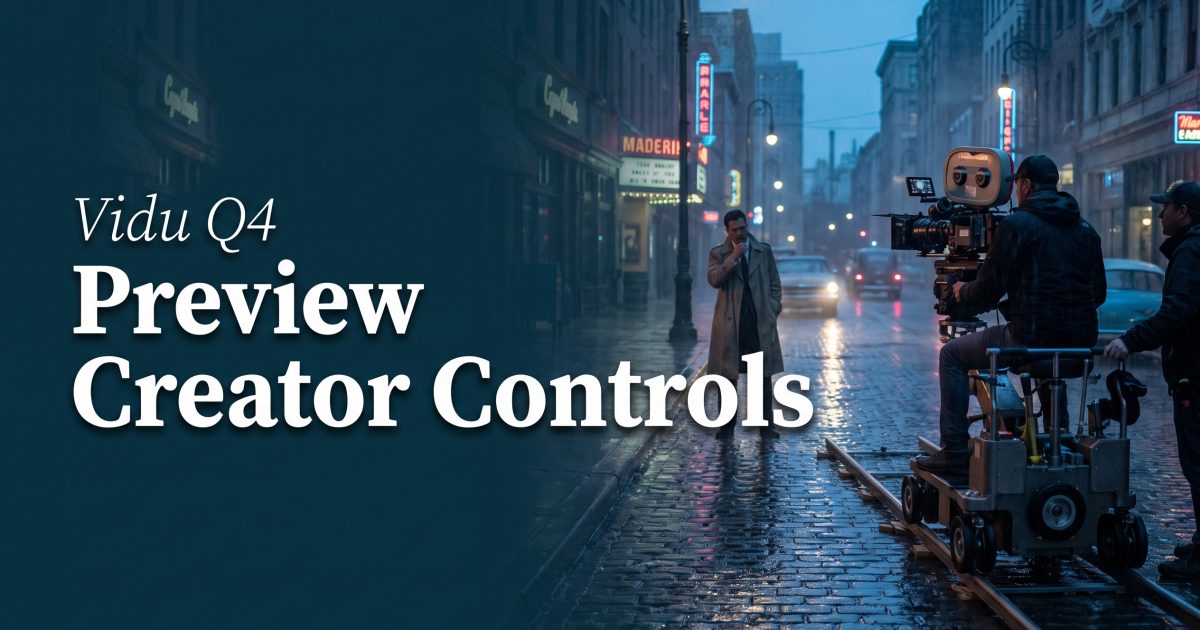
Vidu says Q4 Preview improves camera moves, cuts, action, and visual effects. Those are big claims, and they deserve a test plan. A slow push-in is forgiving. A tracking shot that follows a moving product through wet streets is less forgiving because it asks for subject consistency, reflections, speed, and stable perspective in one short shot.
This sort of brief is a sensible second test for Vidu Q4 Preview. Watch the edges of the product, the wheel motion, and the direction of rain and reflections. Then repeat the prompt with a locked first image and compare it with a text-only version. The result will say more about usable control than a single polished demo.
ShengShu’s launch announcement also frames Q4 Preview around character work, dynamic camera movement, and effects. A broader survey of current video tools from each::labs makes the same practical point from another angle: different models suit different shots. Long takes, multi-shot sequences, reference fidelity, and fast drafts are separate jobs.
How to use Vidu Q4 Preview without burning a day on reruns
Start with a short shot list. For each scene, write down the one element that cannot drift. It might be a face, a product shape, a spoken line, or the start and end framing. That detail decides which references matter. Do not send a pile of images just because the model allows it.
Then test in layers. First, run a five-second scene with one subject and one action. Next, add the camera movement. After that, add the environment or effect. Keep the successful prompt and references as a named setup before changing anything else. This makes failures legible. If the clip breaks after an extra environment reference, the source of the problem is clear.
Vidu Q4 Preview looks most relevant to creators who need several visual ingredients to survive inside one short scene. The 15-image reference limit, voice-reference option, native audio, and 16-second ceiling create a more ambitious target than a simple text-to-video clip. The real test will be whether that control holds under repeatable briefs, not whether one launch demo looks impressive.
For comparable short video workflow tests, run P-Video 2 on Wiro and keep the prompt, duration, camera instruction, and output side by side. A small, repeatable test set makes model changes easier to spot.